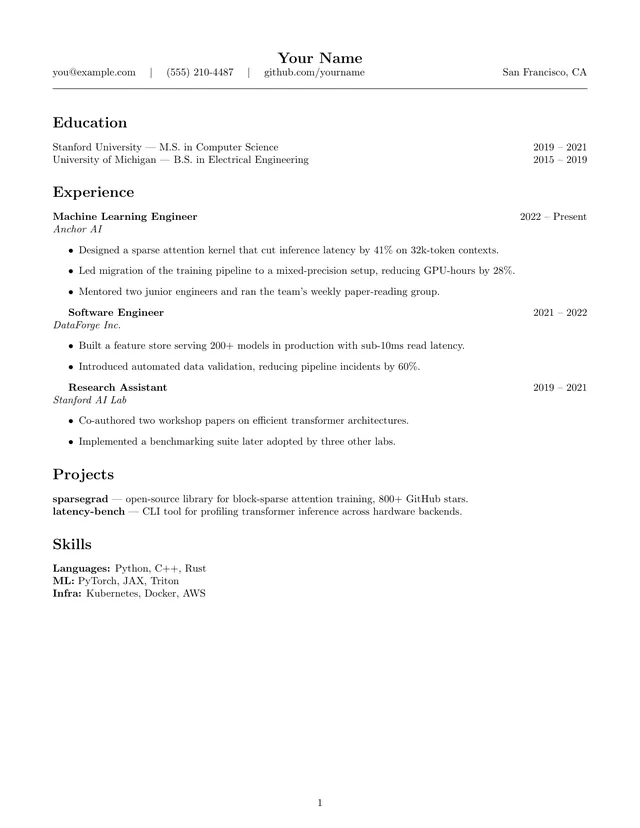
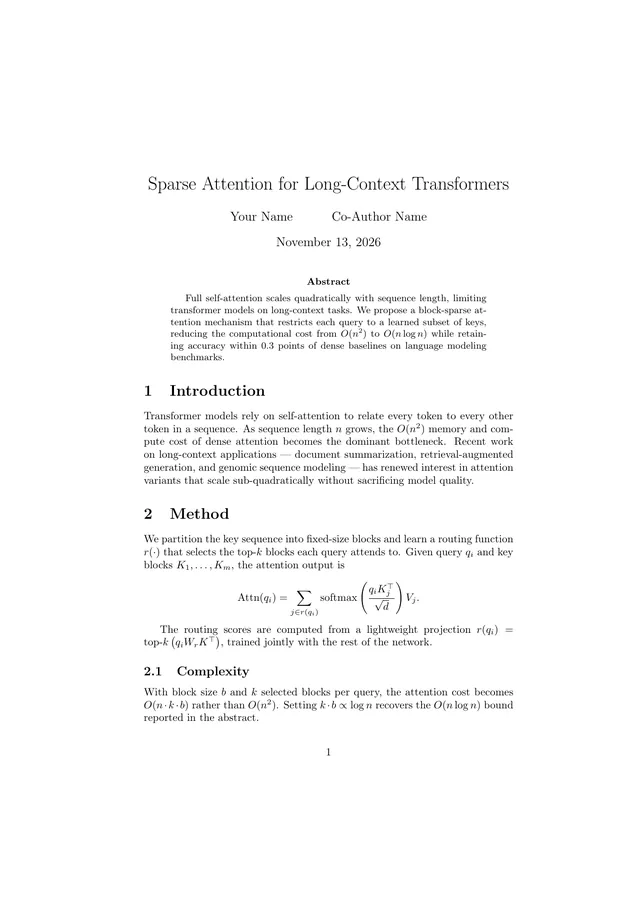
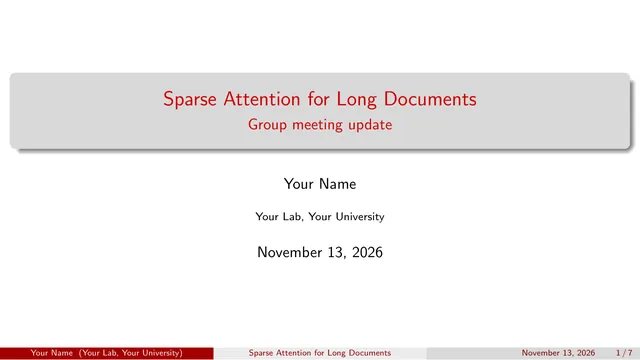
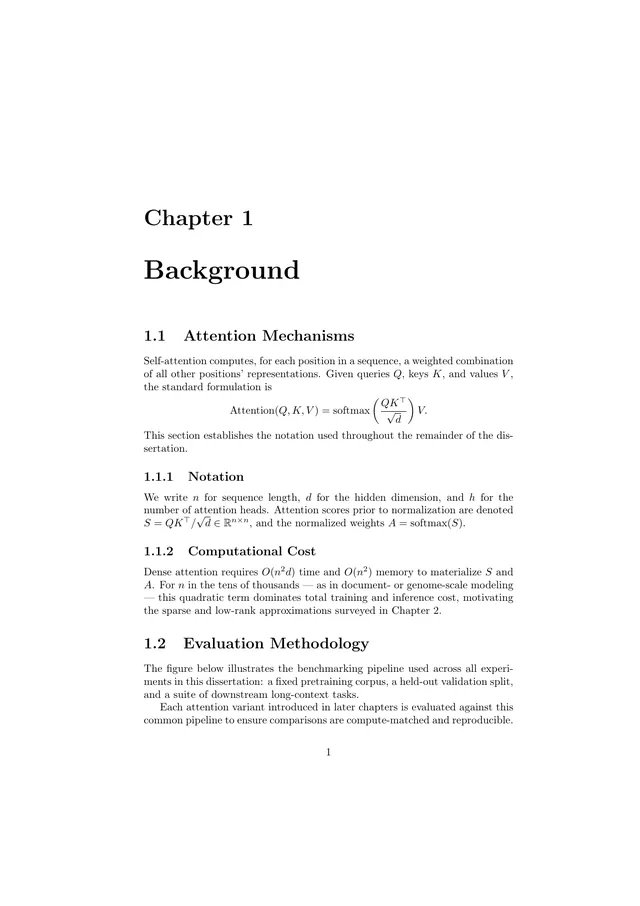
Import an Overleaf project, no signup
Drop the .zip from Overleaf (Menu → Download → Source) and keep writing in TeXpad: real pdfTeX in your browser, autosave, and PDF download. The project is unpacked on your device. Nothing is uploaded.
Drop your Overleaf .zip here
We find the main file, merge \input/\include files, bring your figures, and convert your .bib.
How it works
- In Overleaf, open the project and choose Menu → Download → Source.
- Drop the zip above. TeXpad picks the main
.tex(the one with\documentclassthat no other file includes) and merges every\input,\include,\import, and\subfileinto one document, in order. - Figures referenced by
\includegraphicsare found through\graphicspathand added to the document's Figures. Custom.styand.clsfiles come along. - The editor opens and compiles a real PDF right away. Press Download PDF when it looks right.
Questions
How do I download my project from Overleaf?
Open the project in Overleaf, click Menu (top left), and choose Download → Source. Overleaf saves a .zip with every file in the project.
Is my project uploaded anywhere?
No. The zip is unpacked and converted inside this browser tab, and the document is saved in your browser on this device. TeXpad has no server that stores documents.
What gets imported?
The main .tex file (the one with \documentclass and \begin{document}), every file it pulls in with \input, \include, \import, or \subfile, the figures used by \includegraphics (PNG, JPG, PDF), custom .sty and .cls files, and your bibliography.
What happens to my .bib bibliography?
TeXpad compiles with pdfTeX in your browser, which has no BibTeX or Biber step. On import, the entries you cite are turned into a thebibliography list, in the order you cite them. If the zip contains a .bbl file, it is used exactly as BibTeX produced it.
Do I need an account?
No. There is no sign-up, no email, and no trial. Open the editor and start working.
Is TeXpad a full Overleaf alternative?
For writing and compiling on your own, yes: real pdfTeX, live preview, autosave, version history, and PDF download, all offline-capable. It has no real-time collaboration, and the project becomes one merged .tex file plus figures.