Academic Papers
LaTeX conference paper template
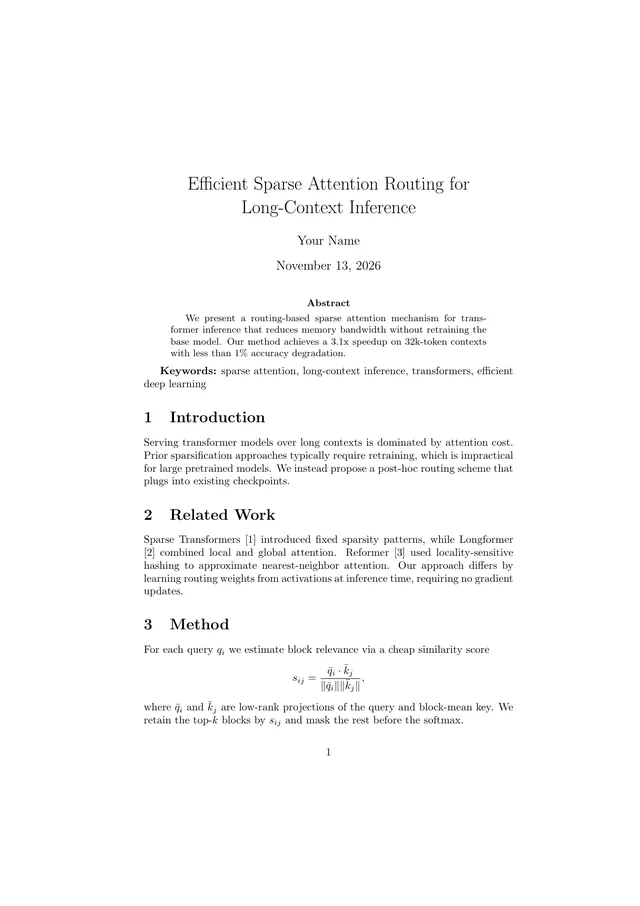
The section skeleton reviewers expect in a CS conference submission: Abstract, Keywords, Introduction with contributions, Related Work, Method, Experiments, and Conclusion. Draft the content here, then move it into the venue's class file for camera-ready.
Open in TeXpad, no signup → Download example PDF
Free · real pdfTeX in your browser · works offline · your files stay on your device
Who it's for
For drafting a CS-style submission fast. TeXpad doesn't imitate two-column IEEE or ACM layouts. Export the .tex and paste your sections into the official class when you're ready.
How to customize this template
- End the Introduction with a bulleted list of contributions. Reviewers look for it.
- Use Related Work to position the paper, not just list prior work: say how each line of work differs.
- Put the main results table in Experiments, with your method in the last row in bold.
- Before submission, export LaTeX source and move it into the venue template.
When it looks right, press Download PDF. To take the .tex to Overleaf or a local TeX install, choose Export → LaTeX source.
The first lines of the source
\documentclass{article}
\usepackage{amsmath}

\title{Efficient Sparse Attention Routing for Long-Context Inference}
\author{Your Name}
\date{\today}

\begin{document}
\maketitle

\begin{abstract}
We present a routing-based sparse attention mechanism for transformer inference that reduces memory bandwidth without retraining the base model. Our method achieves a 3.1x speedup on 32k-token contexts with less than 1\% accuracy degradation.
\end{abstract}

\textbf{Keywords:} sparse attention, long-context inference, transformers, efficient deep learning

\section{Introduction}
Serving transformer models over long contexts is dominated by attention cost. Prior sparsification approaches typically require retraining, which is impractical for large pretrained models. We instead propose a post-hoc routing scheme that plugs into existing checkpoints.
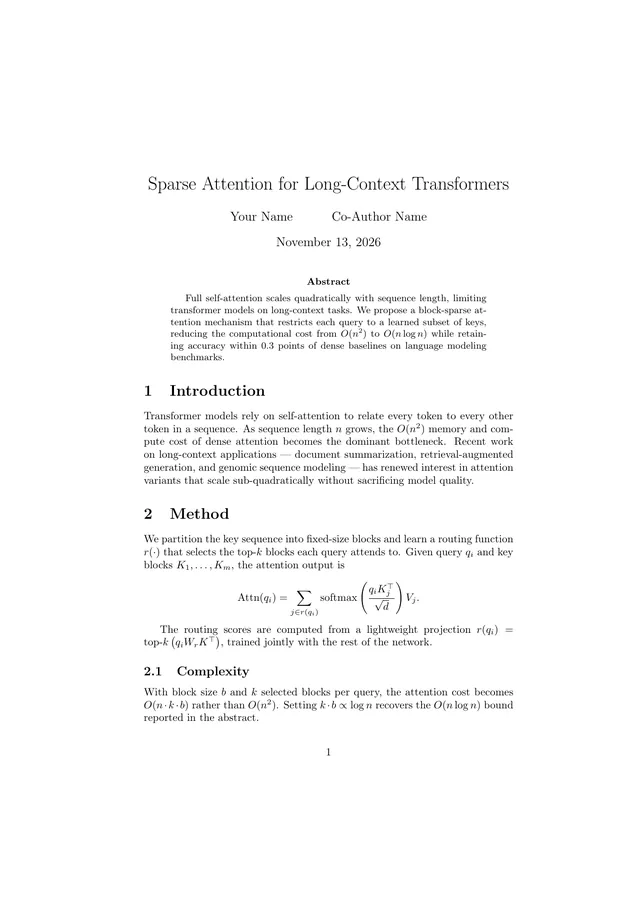
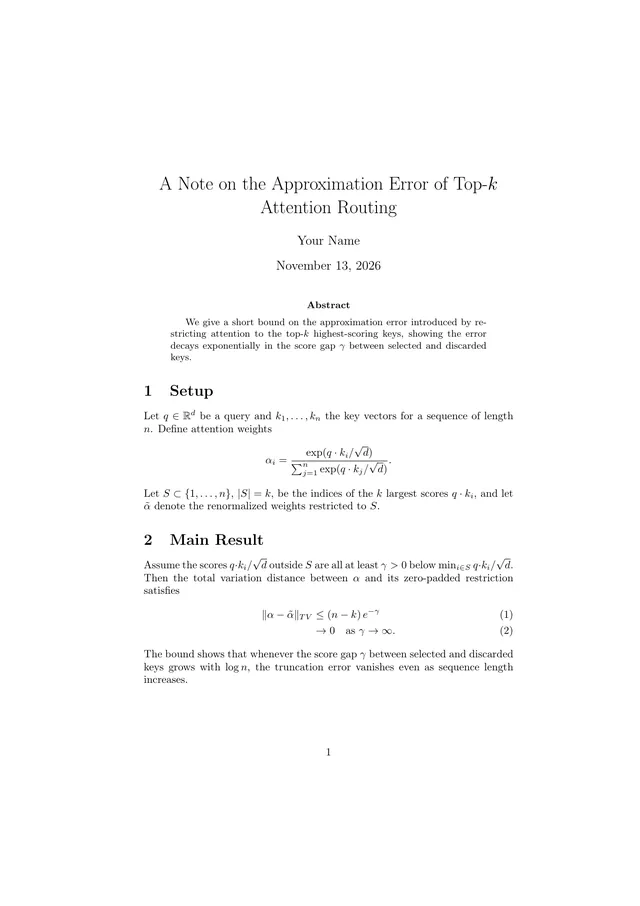
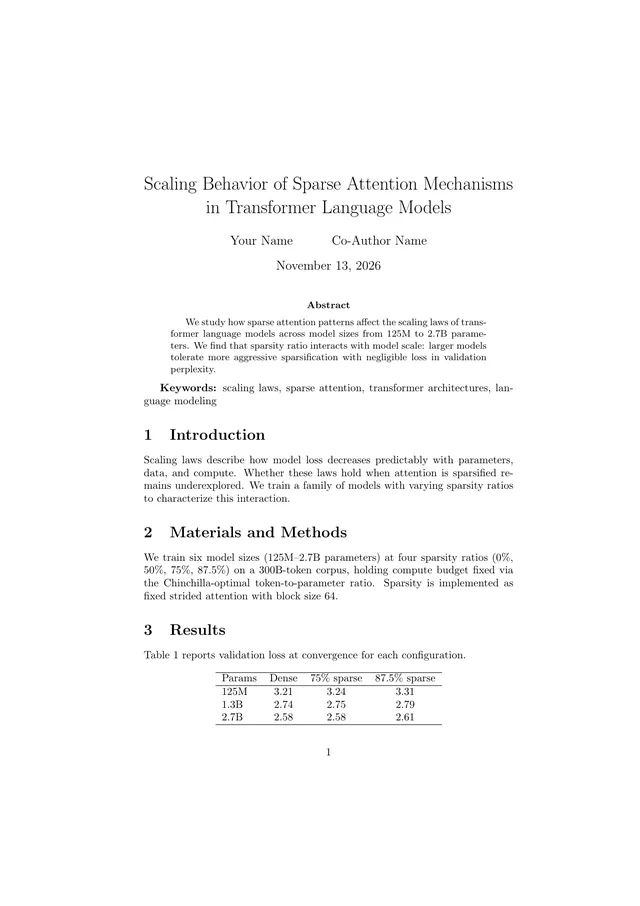
…Related templates
Free LaTeX tools
- Online LaTeX compiler: paste a .tex file and get the PDF
- Import an Overleaf project: open a project zip, nothing uploaded
- LaTeX symbols cheat sheet: every common command, with a printable PDF
- LaTeX to PDF converter: drop a .tex, download a PDF